Before you start
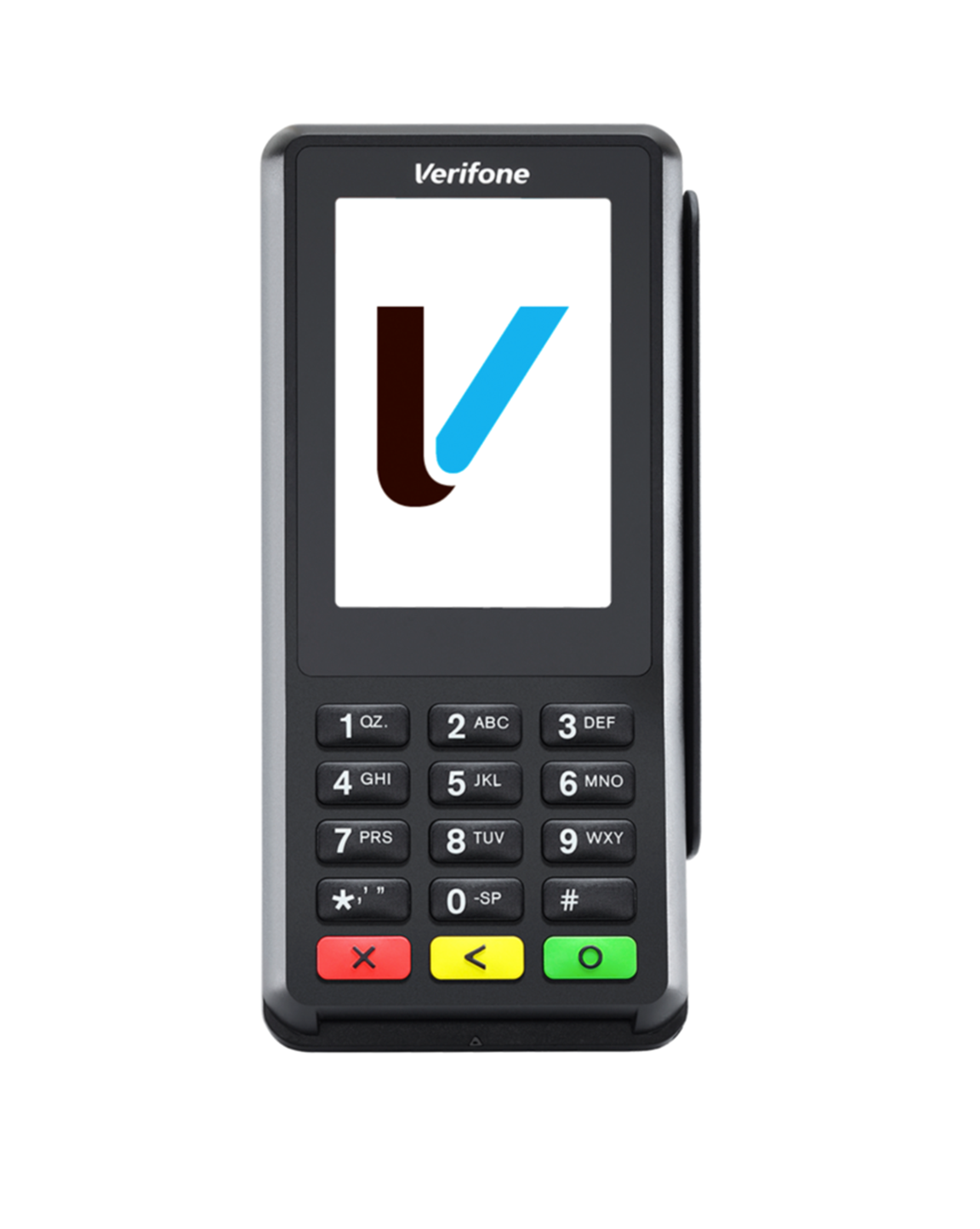
The P400 is operated by the customer; you start the amount on the A80 or from a connected POS system. This is an older model. The documentation remains available for existing installations, but when replacing it we recommend a current payment terminal.
- Check that the A80 and P400 are powered and connected with the correct cable.
- Start the amount on the A80 or via the connected POS system.
- Only let the customer use the P400 for card, contactless payment and PIN.
Connecting and starting up
- Place the A80 and P400 on a stable surface and connect the original power and connection cables.
- Start the A80 and wait until the payment environment is fully ready.
- Check that the P400 shows the ready screen and responds to the A80 or POS system.
- Carry out a small test payment.
- Check the result and the receipt on the A80 or in the POS system.
Daily use
- Enter the amount on the A80 or start the payment from your POS system.
- Check that the same amount appears on the P400.
- Let the customer pay contactless or insert the card and follow the instructions.
- Wait for the final message on the terminal and POS system.
- Hand over the printed or digital receipt if the customer wants one.
The P400 does not have its own printer. The payment receipt comes from the A80 or the POS system, or is shared via the configured digital method.
What can you check yourself?
- Check the power supply of both devices.
- Check the cable between the A80 and P400 and, if present, the POS cable.
- Check the network connection and whether the payment app on the A80 is active.
- Write down the full error message and on which device it appears.
Safety and maintenance
- Do not disconnect devices during a payment or software update.
- Do not open the terminal and report damaged security labels immediately.
- Only use the power supplies and cables supplied for this combination.
- Position the P400 so that the customer can enter the PIN out of sight.
Clean the housing with a soft, slightly damp cloth. Do not use aggressive cleaning agents and prevent moisture from entering card readers, connectors or ventilation openings.
Official documentation
This page is a practical summary by Pin Vandaag. The official PDF manuals are also stored locally on this website, so you can open them directly. For technical installation, connections and model-specific safety instructions, always use the manufacturer's documentation.